Why Is Someone Calling Me From My Own Number?
A call shows your own number on the screen, or people say you called them when you didn't. That's caller ID spoofing, not a hacked phone. Here's what's happening and what to do in each case.
9 min read
On this page· 13 sections
Key takeaways
- If someone is calling you from your own number, your phone almost certainly isn't hacked. A scammer has faked the caller ID. That's called spoofing.
- Don't answer, or hang up. Never press keys, confirm details or read out a code.
- Blocking your own number doesn't help much. The next call can show any number. Screening unknown callers works better.
- If people say you called them, someone is spoofing your number. It isn't your fault, and your account isn't being used.
- Call your carrier if you lose service or get a notice about a SIM change you didn't make. Those are signs of a SIM swap, which is a different and more urgent problem.
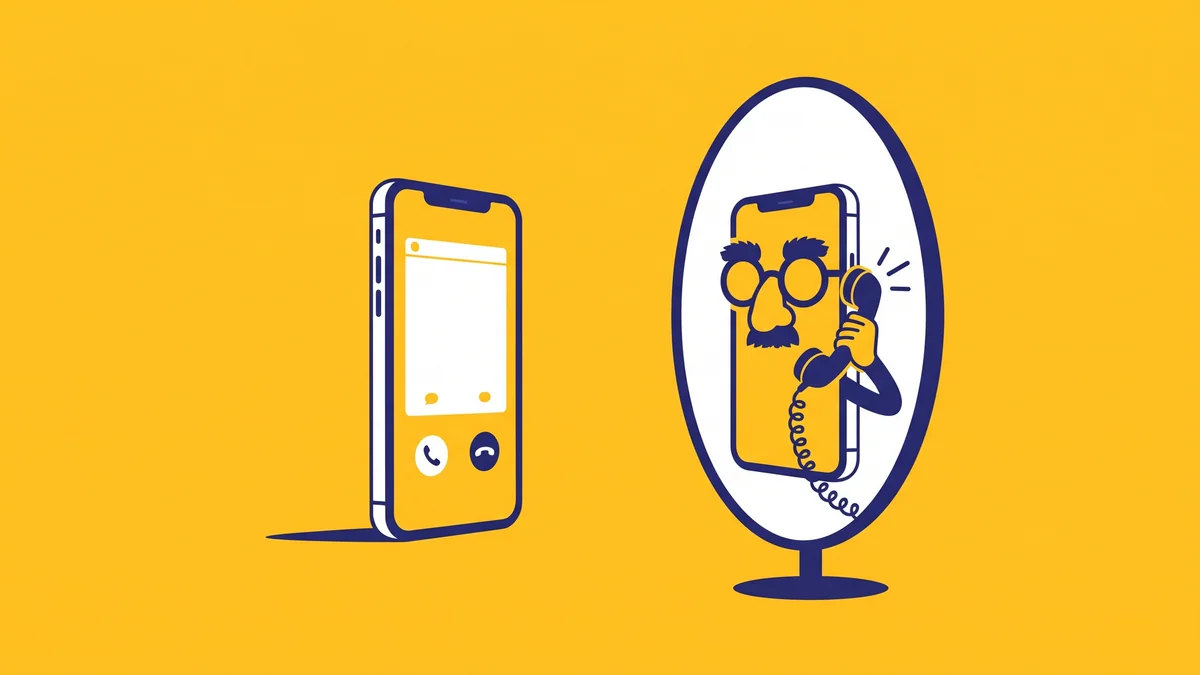
If someone is calling you from your own number, it's almost certainly a scammer faking the caller ID, not someone inside your phone. The FTC puts it simply: "Scammers can make any name or number show up on your caller ID. That's called spoofing" (FTC: phone scams, as of November 2026). Your own number is just one more number they can type in, and it's odd enough that people pick up.
The same trick has a second, more annoying version: strangers call you back, sure that you called them. That means someone is putting your number on their calls.
This guide explains both cases: why a spoofed call from your own number happens, what to do, when it's actually a SIM swap, and where a second phone number from an app like 2Phon helps and where it doesn't.
Why is someone calling me from my own number?
Because the caller typed your number into their caller ID field. Caller ID shows whatever number the calling system sends. Internet calling software lets a scammer set that number to anything, and phone networks don't always check it.
Your own number works for scammers for a few reasons:
- Curiosity. A call from yourself looks like a glitch, and people answer glitches.
- It looks familiar. It's the same idea as neighbor spoofing, which the FTC describes as scammers calling "using a caller ID number with your area code" (FTC: how to block unwanted calls, as of November 2026). A number that looks local or familiar gets answered more often.
- It hides the real caller. You can't call back to find out who it was, and blocking the number does nothing to the scammer.
The script after you answer varies. It can be a recording about "your account", someone claiming to be from your phone company or bank, a prize, or a warning that something is wrong. The goal is always the same: get you to press a key, confirm details, or read out a code.
Does it mean my phone is hacked?
No. A spoofed call doesn't touch your phone, your SIM or your carrier account. The scammer never needed access to anything of yours. They only needed to know your number, and as we explain in what someone can do with your phone number, spoofing can happen even if you never shared it.
Spoofing is not legal cover for the scammer. In the US, faking caller ID to defraud or cause harm is against the law. Hiding your number for privacy is different and allowed; we cover the difference in how to hide your number when calling.
What to do when you get a call from your own number
Treat it like any other scam call: don't engage, and let your phone's filters do the work. These steps cover almost every case.
Don't answer, or hang up right away
If you pick up by accident and hear a recording or a pitch, end the call. The FTC's advice for illegal robocalls is to "hang up and don't call back."
Never press keys or confirm anything
Don't press 1 "to speak to someone" or to be "removed from the list". The FTC warns that pressing a number "could lead to more robocalls." Don't say your name, address, card details or account PIN either.
Never read out a code
If a verification code arrives during or after the call and the caller asks for it, that's a scam every time. Our guide to the verification code scam explains why.
Turn on call screening on your iPhone
On iOS 26 and later, go to Settings → Apps → Phone → Screen Unknown Callers and pick Ask Reason for Calling or Silence. Full steps and the carrier filters are in how to stop spam calls.
Report the call
In the US, report it at DoNotCall.gov, or at ReportFraud.ftc.gov if you lost money. The FTC asks you to include the number shown on caller ID "even if you think it might be fake." UK and other reporting options are below.
Does blocking my own number help?
It rarely helps, and it isn't the fix. The caller isn't using your line, so blocking your own number does nothing to them. The next scam call can show a different number, a neighbor's or a company's. Call screening and your carrier's spam filter handle the whole category, not one number. If the calls keep coming, those settings are where to put your effort.
What is STIR/SHAKEN, and why doesn't it stop these calls?
STIR/SHAKEN is a caller ID check that US phone companies use to confirm a call really comes from the number it shows. It helps carriers label or filter suspicious calls. It doesn't block every spoofed call, so some still reach your phone, and that's why your own settings and habits still matter.
People say I called them, but I didn't
Then someone is spoofing your number: they're putting it on their own scam calls. People they called see your number, miss the call or get suspicious, and call you back. It's confusing and a little alarming, but it isn't your fault, and it doesn't mean your phone or account has been taken over.
You can check this yourself:
- Look at your Recents. The calls people describe won't be there, because they never went through your phone.
- Check your carrier account or bill. Spoofed calls aren't made from your line, so they don't appear in your call history there.
- Ask what they heard. Usually it's a recording, silence or a sales pitch, in a voice that isn't yours.
What to tell people who call you back
Keep it short: you didn't call, someone faked your number, and they should ignore any call that used it. Most people understand once they hear the word "spoofing". If a caller says "you" asked them for money, a code or personal details, tell them not to share anything and to report the call.
When to contact your carrier
Most spoofing waves fade on their own once the scammer moves on to other numbers. Contact your carrier if:
- the callbacks go on for weeks, or people report threats or fraud in your name;
- you want to ask about the carrier's spam and caller ID protection on your line;
- you see any of the SIM swap signs below.
Changing your number is a big step and usually unnecessary. A spoofer can switch to your new number, or any other, just as easily.
Spoofing or SIM swap? How to tell the difference
Spoofing only fakes what appears on someone's screen; a SIM swap actually moves your number to a criminal's phone. Spoofing is a nuisance. A SIM swap is an emergency, because the attacker starts receiving your calls and verification codes.
| What you notice | Caller ID spoofing | SIM swap |
|---|---|---|
| Your phone has normal service | Yes | No: "No Service" or SOS while others nearby have signal |
| Password-reset emails you didn't ask for | No | Often |
| Carrier notice about a SIM or eSIM change you didn't make | No | Yes, often |
| Accounts locked or passwords changed | No | Possible |
| What to do | Ignore, screen calls, report | Call your carrier right away from another phone |
If a code arrives that you never asked for, read what to do about a verification code you didn't request. If your phone suddenly loses service with any of the other signs, follow the steps in our SIM swap scam guide straight away.
How to report spoofed calls
Report the call even if the number was fake; regulators use the reports to trace the callers.
- United States: report unwanted calls at DoNotCall.gov. If you lost money or have details about the scammer, report at ReportFraud.ftc.gov. Include the number shown on caller ID, even if you think it's fake (FTC, as of November 2026).
- United Kingdom: if you lost money or were hacked after a scam call, the National Cyber Security Centre points people in England, Wales and Northern Ireland to Report Fraud at reportfraud.police.uk or 0300 123 2040, and people in Scotland to Police Scotland on 101 (NCSC, as of November 2026). Your mobile provider can tell you about its own call-blocking options.
- Elsewhere: report it to your national telecom regulator or consumer-protection agency, and to your carrier.
How to land on fewer spam lists
You can't stop someone faking your number, but you can cut down the spam and scam calls that reach it. Many of those calls come from lists, and your number gets onto them through sign-up forms, contests, marketplace listings, data breaches and people-search sites.
The habits that help:
- Give out your personal number less. Shops, newsletters, Wi-Fi portals and loyalty programs rarely need it.
- Keep it off public listings. Marketplace ads and community posts are easy to scrape.
- Lock down your carrier account with a PIN, so a spoofing scare never turns into a real takeover.
- Use a second number for "public" places, so the spam those places attract lands there instead.
Our phone number privacy checklist walks through each step.
Where 2Phon fits
2Phon is an iPhone app that gives you a real second phone number from dozens of countries. Be clear about what it can and can't do here:
- It does not block spoofed calls, and it can't stop anyone faking your personal number or your second one.
- It keeps your personal number out of sign-up forms and listings. Use the 2Phon number for apps, shops and strangers, so your personal number lands on fewer of the lists that spam and scam callers work from. It's a real mobile number, not VoIP, so popular apps accept it and you receive verification codes on it.
- People you call see your 2Phon number, not your personal one, because you make and receive real calls on it.
- It's not for your bank or account recovery. The number is yours while your subscription is active; keep long-term accounts on a number you'll have for years.
- It doesn't send texts, and it's iPhone only.
If you want a separate number for sign-ups, listings and people you don't know well, get 2Phon on the App Store.
The short version
A call from your own number is a scammer with fake caller ID, not a hacker in your phone. Don't answer, don't press anything, turn on call screening and report it. If people say you called them, someone is spoofing your number: tell them it wasn't you, and call your carrier only if it drags on or you see SIM swap signs. Then cut down future spam by keeping your personal number off the places spammers find it, and read what a second phone number is if you want one for that.
Frequently asked questions
Why am I getting calls from my own number?
Because a scammer has faked the caller ID. Calling software lets them put any number on your screen, including yours, so the call looks strange enough to answer. Your phone and your account are almost certainly fine.
Can someone use my phone number to make calls?
They can make your number appear on their calls, but they can't use your line, your phone or your account. Spoofed calls don't go through your phone, so they won't show in your Recents or on your phone bill.
Should I block my own number?
It rarely helps. The caller isn't on your line, and the next scam call can show any other number. Screening or silencing unknown callers on your iPhone works better.
How do I stop people saying I called them?
You can't stop someone else from faking your number, but it usually passes once the scammer moves on to other numbers. Tell people who call you back that it wasn't you, and contact your carrier if it goes on for weeks or comes with signs of a SIM swap.
Will a second phone number stop spoofed calls?
No. A second number can't block spoofed calls or stop anyone faking your number. It keeps your personal number off sign-up forms and public listings, so it lands on fewer spam lists.
Written by
2Phon TeamProduct & Privacy
The people building 2Phon. We write about second phone numbers, online privacy, verification codes, and getting the most out of the app.
Keep reading
All articles
Privacy8 min read
What Can Someone Do With Your Phone Number?
With just your phone number, someone can target you with scams, look you up and try to steal your verification codes. Here's what's realistic, what's a myth, and how to protect yourself.
Privacy8 min read
How to Stop Spam Calls (and Keep Them Off Your Real Number)
Stop spam calls on iPhone with call screening, the spam filter, carrier blocking and the Do Not Call Registry. Then keep new spam off your real number by giving out a second one.
Calls6 min read
How to Hide Your Phone Number When Calling
Hide your number for every call in iPhone Settings, or for one call with a dial code like *67. Here's how each method works, what the other person sees, and when calling from a second number works better.